Guides ·
How to dub a YouTube video with AI (into Turkish or any language)
A step-by-step dubbing workflow with ElevenLabs, HeyGen or Descript: preparing the source, checking the translation, syncing audio and adding a multi-language audio track in YouTube Studio.
You run an English tutorial channel and the comments keep asking for a Turkish version. Or the reverse: you film in Turkish and want English viewers too. A few years ago that meant hiring voice actors. Today tools can translate a video and read it back in a voice close to the original speaker. The result is not flawless, but with some prep it gets publishable.
We have not run these tools ourselves; limits and prices are as of 24 October 2026.
One rule first: dub your own videos, or ones you have written rights to. Re-uploading someone else's video in another language is copying, and YouTube's Help page warns that secondary tracks with mismatched copyrighted content may be removed.
Picking a tool
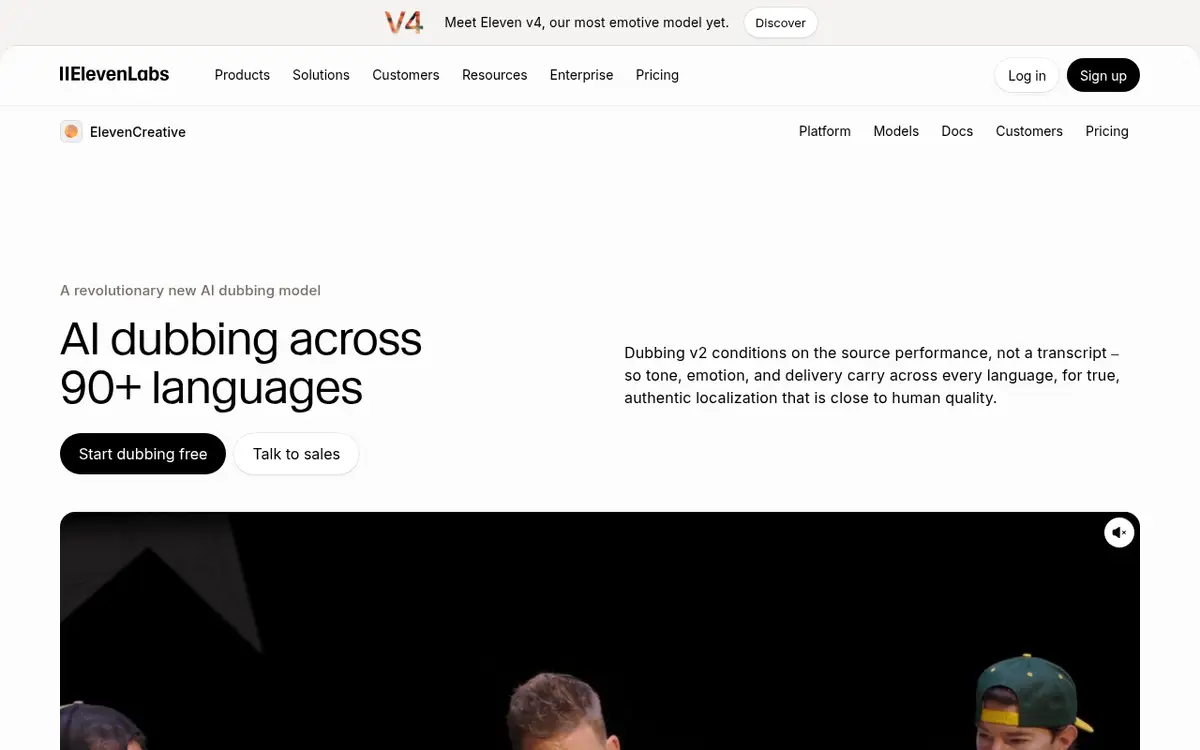
ElevenLabs Dubbing is the most direct route for audio-only dubbing. The docs say Dubbing v2 covers 90+ languages including Turkish, keeps background audio, separates up to 32 speakers, and accepts files up to 1 GB and 180 minutes in the app, or a YouTube link. Free-tier dubs are watermarked; paid ones are not.
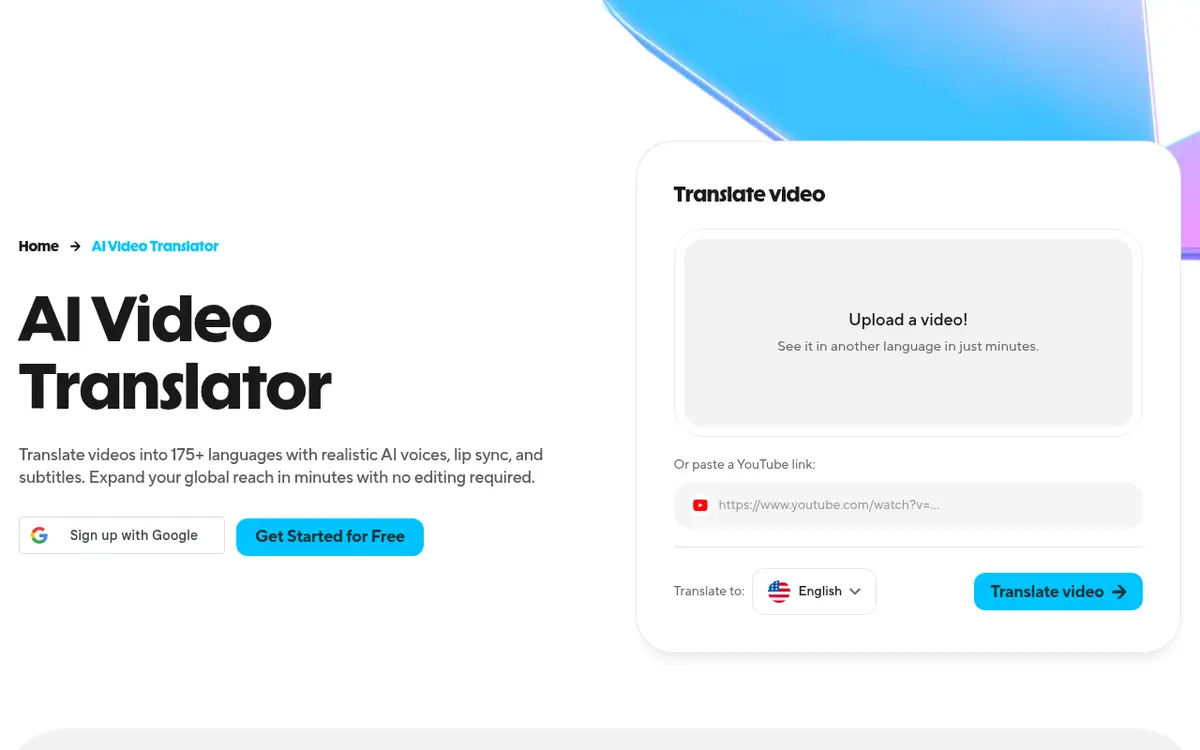
HeyGen targets on-camera speakers who want lip movements to match. Free gives 3 watermarked videos a month up to 1 minute in 30+ languages. Creator is $29 a month ($24 annual) with 175+ languages and dialects and 1080p. Editing and proofreading translation scripts is listed on Pro.
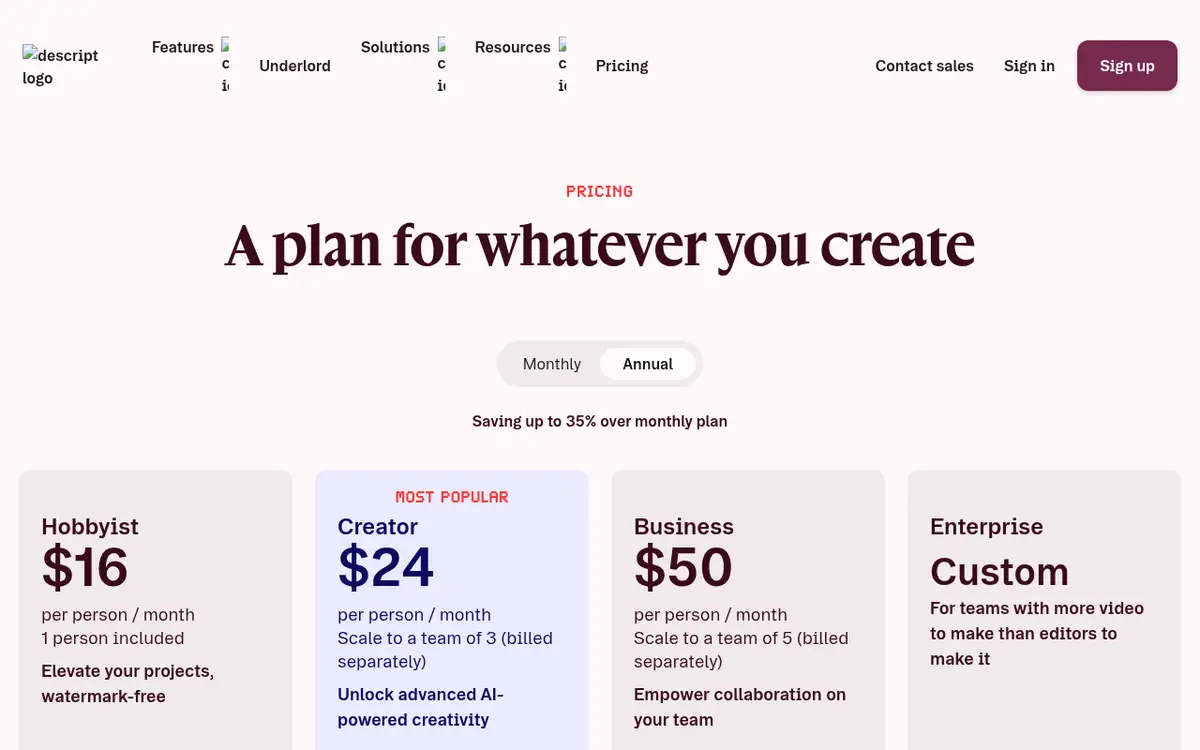
Descript offers translation and dubbing in 30+ languages, Turkish included, on its Business plan ($65 monthly, $50 annual). Caption translation covers 61 languages on lower plans. Worth it if you already edit in Descript.
My pick for most people: ElevenLabs for audio dubbing, HeyGen if your face is on screen and lip sync matters.
Cost in credits
ElevenLabs' approximate dubbing costs are 2,000 credits a minute watermarked and 3,000 without; Dubbing Studio is 5,000 and 10,000. A ten-minute video dubbed without watermark is about 30,000 credits, one month of Starter. Creator's 121,000 credits covers three or four such videos. Failed Dubbing v2 jobs are not charged.
Step by step in ElevenLabs
Clean the source. Loud music, overlapping speakers and echo all hurt translation and speaker detection. On-screen text is not translated, so plan for that separately.
Create the dub. Choose source and target language, upload or paste a link. Adjust Speaker similarity, the cloning strength from 0 to 10 (default 7). Higher sounds more like you but can carry your accent into Turkish; lower sounds more natural in the target language.
Check the translation. Idioms, jokes and technical terms are where machine translation slips. Dubbing v2 projects are editable in the UI. The older Dubbing Studio (v1) gives clip-level control but the docs say it is in maintenance mode with a 45-minute limit, so I would not build a new workflow on it.
Download the audio, not the video. The docs call dubbed video a preview, usually 1080p, with stereo at most. Replace the audio track on your original master instead.
Adding the track in YouTube Studio
YouTube's multi-language audio feature puts several audio tracks on one video, so you no longer need a separate channel per language. Viewers hear their preferred language, and translated titles help the video surface in those searches. It requires access to YouTube's Advanced features. The Help Center steps:
- Open YouTube Studio on desktop.
- Choose Languages in the left menu.
- Click the video, then Add language.
- Next to "Dub", click Add and select an audio-only file roughly as long as the video.
- Click Publish.
If an automatic dub already exists for that language, delete it first. The same screen lets you add localized thumbnails. YouTube says creators using multi-language audio saw over 25% of watch time come from non-primary languages, which is an average, not a promise.
What gives a dub away
Turkish usually runs longer than English, so tools speed up delivery and it sounds rushed. Shorten the translation. Pick one form of address (formal "siz" or casual "sen") and keep it. Do not let brand names get translated. Add translated captions for on-screen text; see our subtitle tools guide.
Start small: dub your five best videos, wait a month, then check views by audio language in Analytics.
For Shorts, skip dubbing and write the Turkish script directly for text to speech; see our faceless Shorts guide.
A few loose ends
Can I dub in my own voice?
ElevenLabs preserves speaker characteristics by default, adjustable through cloning strength.
Is lip sync necessary?
Not for screen recordings or B-roll heavy videos. For close-up talking heads it helps.
Tool pages: ElevenLabs, HeyGen, Descript.
Pages mentioned in this guide
That's it for this one. More articles