Guides ·
Faceless YouTube Shorts with AI: script, voice and edit
A realistic faceless Shorts workflow: finding topics, writing scripts that do not sound generated, voiceover, visuals, captions, real costs and the monetization policies that trip channels up.
"Faceless channel" is one of the most sold dreams of the last two years, mostly by people selling courses. The real picture is duller: faceless channels work, some genuinely grow, and the ones that grow found a good topic and a consistent voice. The tools are not magic.
Prices as of 24 October 2026.
Know the policy before buying tools
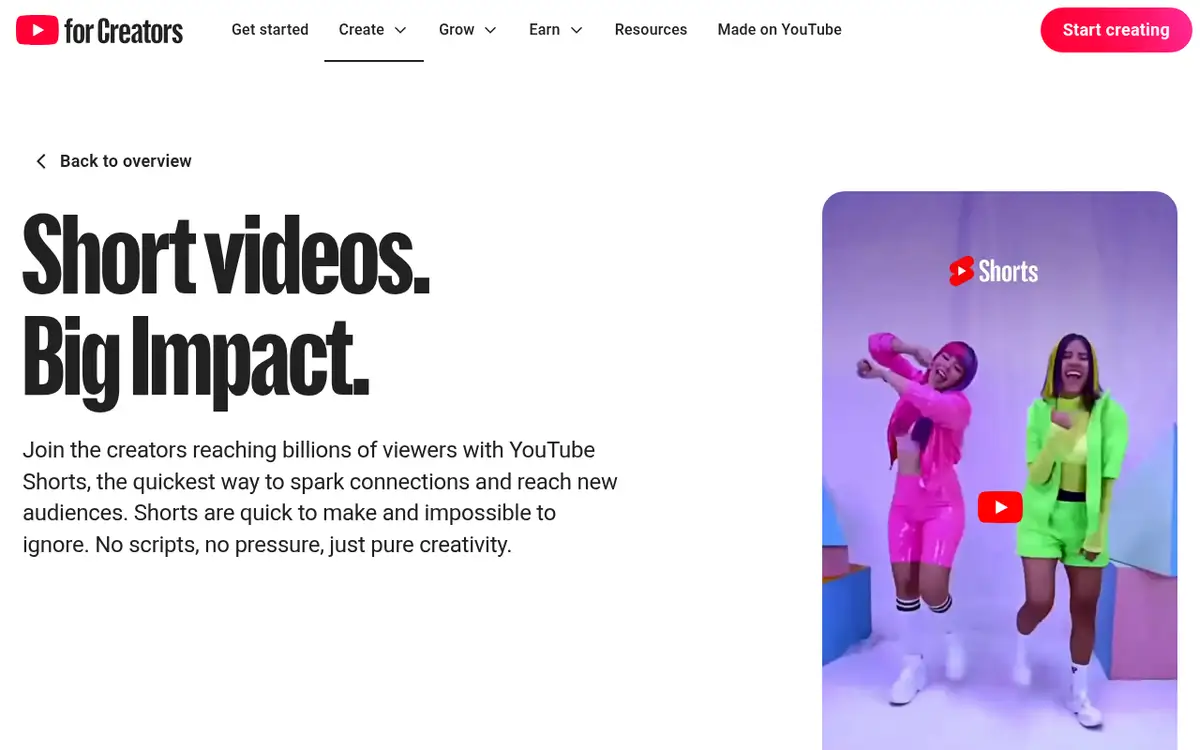
YouTube does not ban AI. But mass-produced, repetitive content with only the script swapped is a known reason for monetization rejections. And realistic synthetic content that shows real people saying things or alters real events must be disclosed at upload. AI narration alone or obvious fantasy animation generally is not in scope. The practical upshot: every video needs a real contribution.
Topic: the one thing tools cannot give you
Asking ChatGPT for Shorts ideas gives you the same list everyone else gets. Instead, find small channels in your niche whose recent uploads overperformed, read what commenters ask, and find your angle. Use AI to develop an idea, not to find it.
Script
The first line is everything. "Today I'll tell you something interesting" is dead on arrival. Models write in a recognizable voice, so give them two or three sample paragraphs in the tone you want, list phrases to avoid, then read the result aloud and fix whatever does not sit right. Fact-check every claim. Shorts can now run up to three minutes, but a 40-second video watched to the end beats a three-minute one abandoned halfway.
Voice is your face
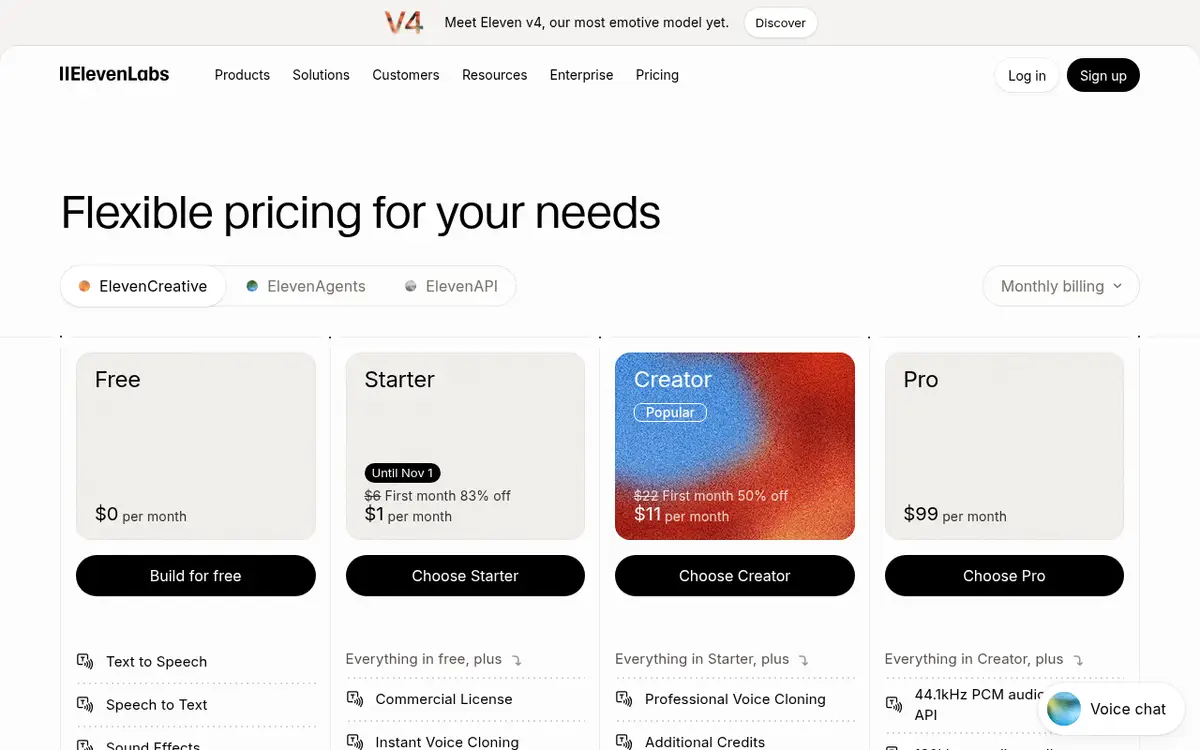
ElevenLabs is the common choice. Free has no commercial license, so Starter ($6 a month, 30,000 credits) is the minimum for a channel aiming to monetize. Avoid the most popular library voices, or clone your own on Starter for a voice nobody else has. See our ElevenLabs vs Murf comparison.
Visuals
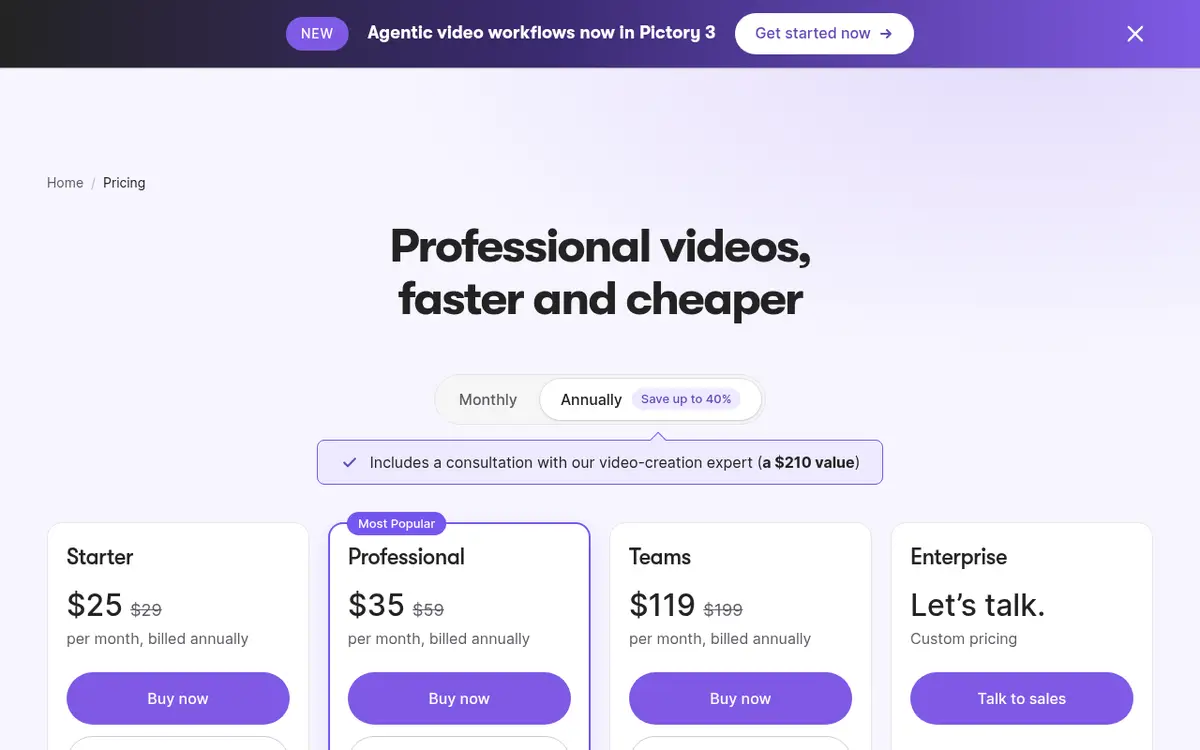
Stock footage is cheap and generic. Automated tools like Pictory turn a script into scenes with stock clips, voice and captions; its pricing page shows a 14-day trial and plans from $25 a month billed annually, with Storyblocks and Getty media, ElevenLabs voices, auto captions and 9:16 export. Its FAQ says Starter supports 7 languages and Professional 29, so check your language during the trial. Generated imagery is the most original and the slowest. A consistent visual style makes a channel recognizable.
Edit and captions
Most Shorts are watched muted, so captions are mandatory. CapCut is the common free option. Descript edits video by editing the transcript; Free exports 720p, Hobbyist ($16 a month annual) gives 1080p without watermark. Change the shot every two or three seconds and use licensed music only.
Real cost
A minimal paid stack: ElevenLabs Starter $6, Descript Hobbyist about $16 annual, a free chat assistant. Around $22 a month. Add Pictory for $25 more. The real cost is time: an hour or two per video at first, 30 to 40 minutes after a month.
What kills faceless channels
Posting five a day for a week, then quitting. Cloning a viral video beat for beat. Ignoring comments. Never moving to long-form, where most of the revenue is.
Small print, briefly
Can AI-voiced Shorts make money?
The voice is not the problem; repetitive content with no original contribution is.
Should I use my own voice?
If you can, yes. A clone of your own voice is still more distinctive than a stock one.
Tool pages: ElevenLabs, Pictory, Descript.
Pages mentioned in this guide
That's it for this one. More articles