Guides ·
Best free AI image generators in 2026
What “free” really means across Leonardo, ComfyUI, ChatGPT and Gemini, plus when to upgrade.
Free AI image tools are everywhere in 2026. The catch is that free rarely means unlimited, private or commercially safe. This guide compares practical free tiers we track on Toolpano and shows a simple workflow that does not waste your afternoon.
Decide the job before the tool
Are you mocking social creatives, building a repeatable brand pipeline, or printing merch? Browser toys are fine for the first. Local node graphs win for the second. License text decides the third.
- Fast social drafts: Leonardo free tier or chat-app image features.
- Full control: ComfyUI on your own GPU.
- Client delivery: read the free-tier license; upgrade if ownership is fuzzy.
Leonardo.Ai free tier
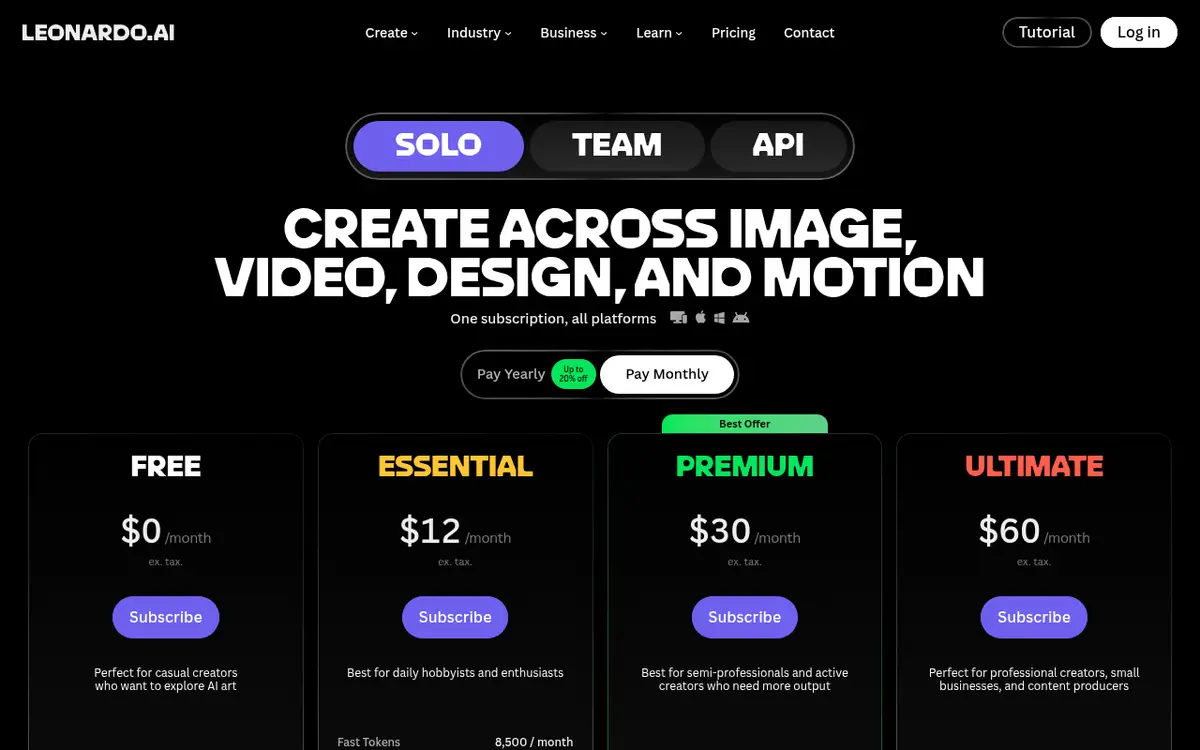
Per Leonardo's pricing page, Free includes 150 fast tokens per day and Auto-only model access. Creations may be public. It is enough for daily experiments. Private collections, 80+ models and serious volume start on Essential ($12/month) and above. Paid subscribers keep ownership of generations; free-tier rights differ. See the Leonardo tool page.
ComfyUI: free software, not free compute
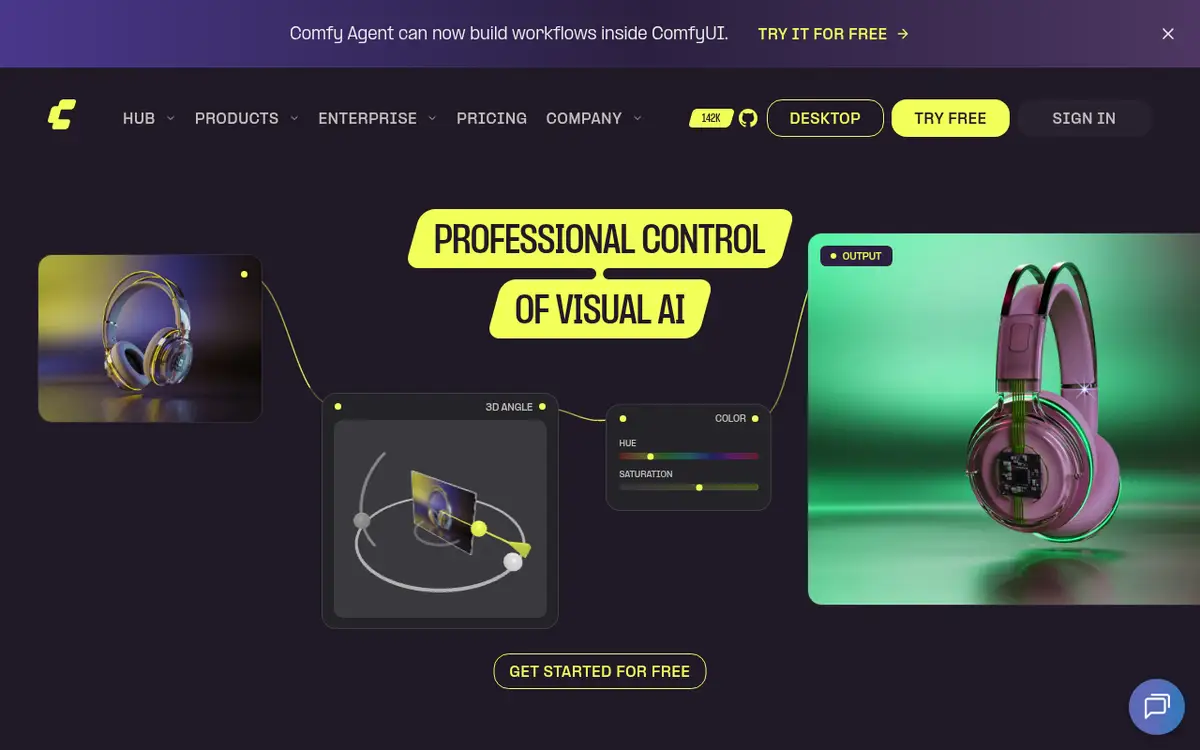
ComfyUI itself is free and open. You pay in hardware, disk and learning time. In return you get inspectable workflows you can version and reuse. Community templates get you a first image quickly; then you tighten every node. Follow our ComfyUI install guide if you are starting from zero.
ChatGPT and Gemini images
ChatGPT's free plan includes limited image creation; Plus and Pro raise limits. Gemini's free tier is available with a Google account. Treat these as assistants with a camera, not dedicated art studios. Great for ideation and blog headers; weaker when you need a locked brand look across fifty ads.
Comparison
| Tool | Free allotment | Commercial? | Upgrade when |
|---|---|---|---|
| Leonardo.Ai | 150 fast tokens/day, Auto model | Conditional | Private work, more models |
| ComfyUI | Local app free | Depends on model | Cloud or commercial model licenses |
| ChatGPT | Limited images | Per OpenAI terms | Heavy volume, stronger models |
| Gemini | Free with Google account | Per Google terms | Higher limits / AI Pro |
A workflow that scales
- Write the brief in chat: subject, style, aspect ratio, must-have details.
- Draft in a free browser tier.
- Lock the winning style in ComfyUI.
- Check licenses before ads or client handoff.
Free is for learning. Publishing usually needs a plan and a clear license.
Related: ChatGPT vs Gemini vs Claude vs Grok, Image tools.
What free tiers actually buy you
Most free plans are generous enough for learning and a few social posts, not for an agency queue. When the daily tokens are gone you wait or pay. Treat free lists as sandboxes. If a client deadline is tomorrow, pay for predictability or run ComfyUI locally where you control the queue.
Queue times also stretch on free tiers during peak hours. Local generation shifts the cost to electricity and learning time, which can still beat a monthly subscription if you already own a GPU.
Prompt language
Many models still behave more reliably with English visual language even when your audience is not English-speaking. A solid pattern: think in your language, write the visual brief in English, and composite final typography in a design tool. Embedded text in generations remains fragile.
Use a skeleton: subject, camera, lighting, style, aspect ratio, negatives. Make it nice is not a brief. Eye-level, soft window light, matte film grain, 4:5, no text is.
Character consistency
Repeating the same face or product across a set is the hard problem. Reference images help in Leonardo; IP-Adapter-style nodes help in ComfyUI. Brand colors written as hex codes are hints, not guarantees. Lock exact color in post when it matters.
Safety and copyright
Skip unauthorized likenesses, trademark parody and copyrighted characters if you care about ad accounts. Archive model name, seed and prompt with every keeper image. Future you will not remember.
When to pay
- A few covers a week: free is fine.
- Private client work: paid or fully local.
- Animation frames: budget separately.
- Team parallel generation: seats or shared token pools.
Discipline beats hoarding free tools. Ship three images a week instead of generating three hundred drafts you never post.
Before you post: size, text and metadata
Generate close to the final aspect ratio instead of cropping later: 16:9 for YouTube thumbnails and blog headers, 9:16 for Shorts and Stories, 4:5 for Instagram feed posts. Cropping a square image into a wide banner usually cuts off exactly the part you liked.
Image models still mangle lettering, so leave empty space in the prompt and add the headline afterwards in Canva, Figma or even a simple editor. Finally, export as WebP or compressed JPEG; a 6 MB PNG on a blog page costs you more load time than it gains in sharpness.
Pages mentioned in this guide
That's it for this one. More articles