Guides ·
ElevenLabs review and voice cloning guide
How Instant and Professional Voice Cloning work, how credits are spent, and how to stay on the right side of consent.
ElevenLabs is a go-to for multilingual TTS and cloning. Official Creative pricing starts with Free at 10,000 credits/month. Starter adds a commercial license and Instant Voice Cloning; Creator adds Professional Voice Cloning.
Clone types
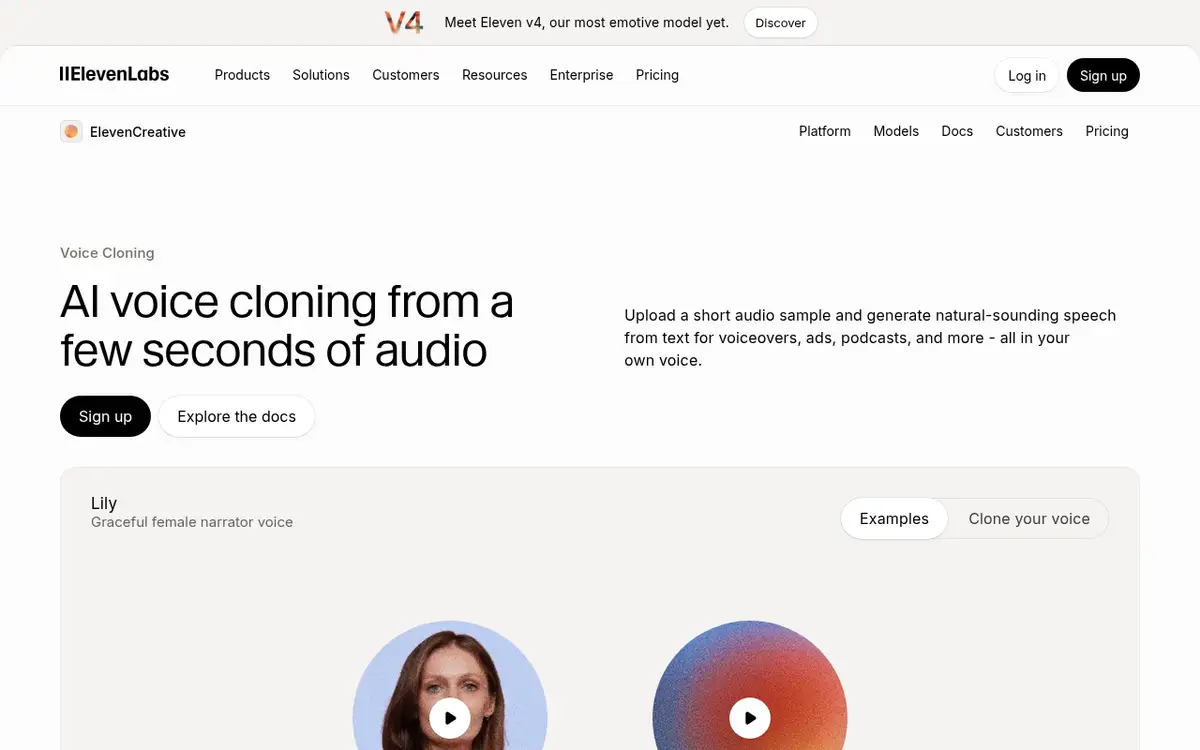
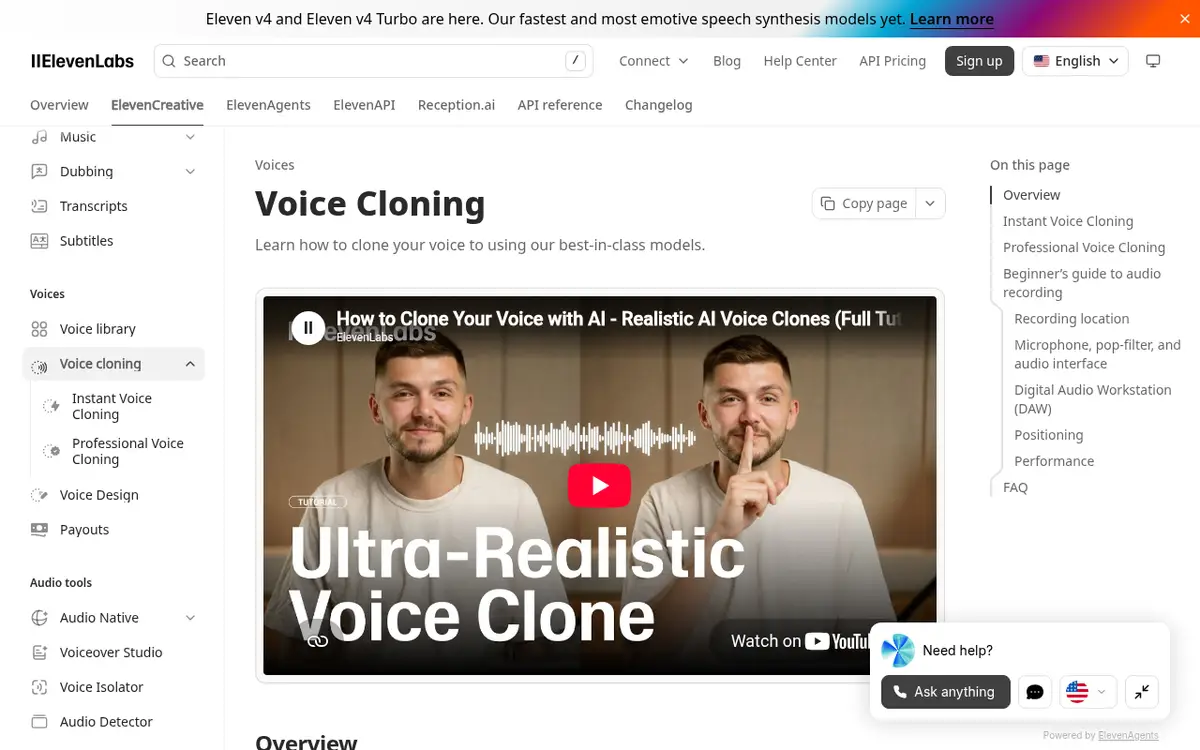
- Instant Voice Cloning: fast clone from a short sample (Starter+).
- Professional Voice Cloning: higher fidelity from longer audio (Creator+).
Steps
- Create an account and test TTS quality on Free.
- Upgrade before commercial publishing.
- Upload clean, single-speaker audio.
- Generate a paragraph in your target language and tune pacing.
- Save the voice and wire it into your short-form template.
What makes a good sample
A few minutes of dry, mono speech without music. Keep a consistent tone. Phone recordings in a quiet room are often enough to start.
Credits
One shared pool covers TTS, STT, music, effects and dubbing. On V2 Multilingual models, one character typically costs one credit. Generate scene by scene instead of one giant file.
Consent
Do not clone another person without written permission. Free-tier commercial limits still apply until you pay.
Clean audio and a tight script beat buying a higher plan too early.
Tool: ElevenLabs. Alternative: Murf.
Sample script
Prepare two to three minutes that include greetings, a short story, questions and calm statements. Pause for a beat between sentences. Record dry audio without music. A phone in a quiet room is enough to start.
Instant vs professional
Instant cloning covers most creator workflows. Professional cloning wants more audio and a Creator plan. Ship twenty shorts on Instant before you pay for perfection.
Post production
Light EQ and limiting help. Keep music well under the voice. Trim breaths that distract without sterilizing the performance.
Team process
Store the clone, consent form and recording date together. Decide who deletes it when a contractor leaves.
Troubleshooting
Metallic tone: lower stability. Rambling: shorten sentences. Wrong stress: rephrase. If nothing helps, re-record the sample instead of fighting sliders forever. Keep notes on what worked so the next episode starts faster.
A reusable short-form template
Keep an 80–120 word skeleton: hook, three beats, closing call to action. Fill the template instead of writing from zero each time. Archive your top three weekly renders with one sentence on why they worked.
If you publish in more than one language, test the same clone on each script separately. Settings that feel natural in one language can sound exaggerated in another. When you use dubbing tools, budget time to fix timing by hand.
Set a monthly credit budget on day one. “I still have credits” is how random experiments become an expensive habit. When a render fails, note the prompt and settings before you delete it so you do not repurchase the same mistake.
Recording at home without a studio
A closet full of clothes is a better booth than an empty room with bare walls. Put the mic about a hand’s width from your mouth, slightly off to the side so plosives do not hit it directly, and record a few seconds of silence first so you can hear the room noise.
Turn off the fridge, the air conditioner and phone notifications. Speak the way you will want the clone to speak: if you read flatly, the clone will be flat too. Keep peaks around -6 dB and do not add heavy compression or noise reduction before uploading; processed audio tends to clone with artifacts.
Pages mentioned in this guide
That's it for this one. More articles