Guides ·
Best AI voice generators for non-English voiceovers
Practical TTS picks when English-only demos are not enough, with notes on ElevenLabs and Murf.
Most AI voice demos sound great in English. Shipping in Turkish, Spanish or other languages is harder. This guide focuses on tools that handle multilingual narration for short-form and training video.
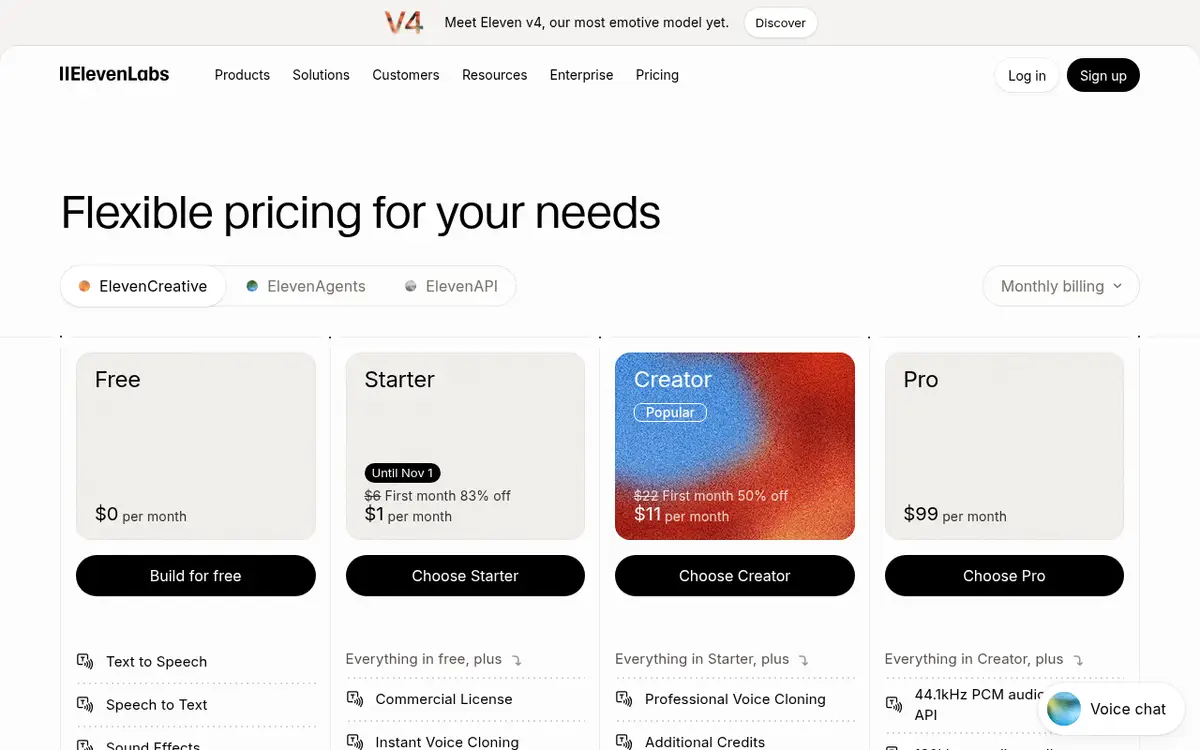
ElevenLabs
Strong multilingual TTS and cloning. Free includes 10,000 credits/month; commercial use starts on paid plans. Popular for Shorts-style voiceovers. Always get consent before cloning a real voice. See ElevenLabs and the cloning guide.
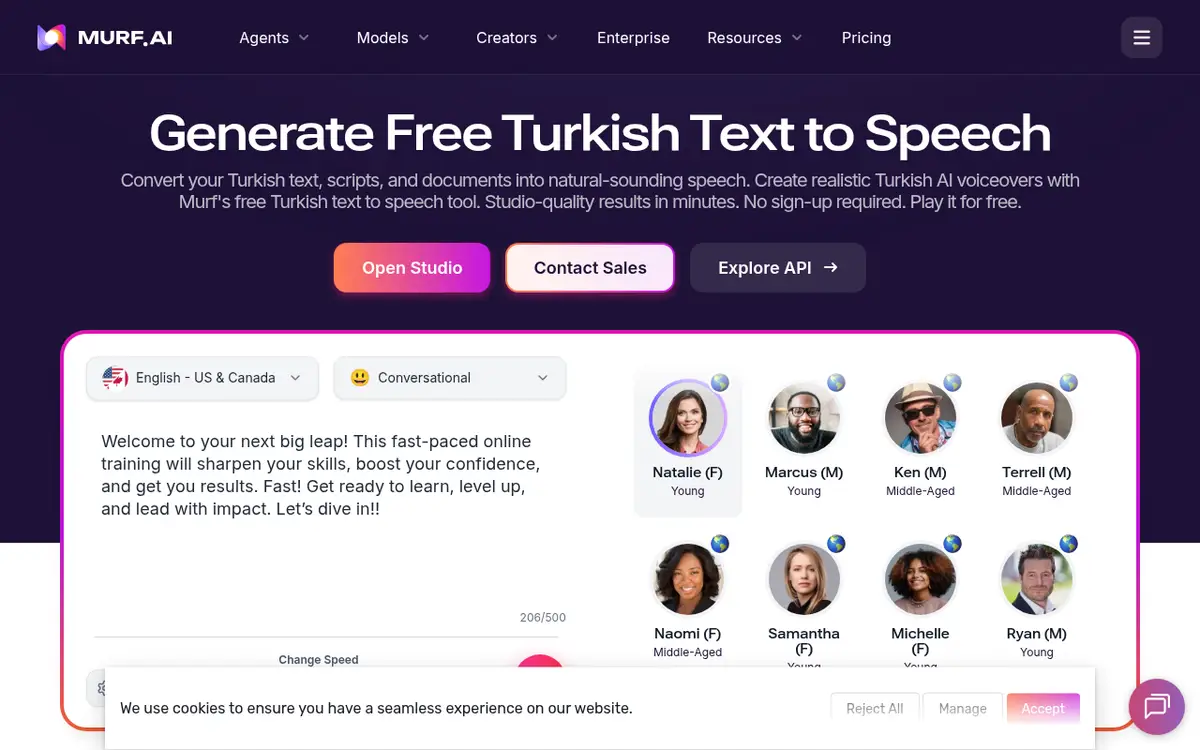
Murf
Studio and API oriented with published compliance badges. Solid when you need polished stock voices and paperwork more than experimental cloning. Confirm language coverage inside the product. See Murf.
Decision table
| Need | Start with |
|---|---|
| Short-form social | ElevenLabs Free → Starter |
| Brand voice clone | ElevenLabs cloning with consent |
| Corporate training + compliance | Murf |
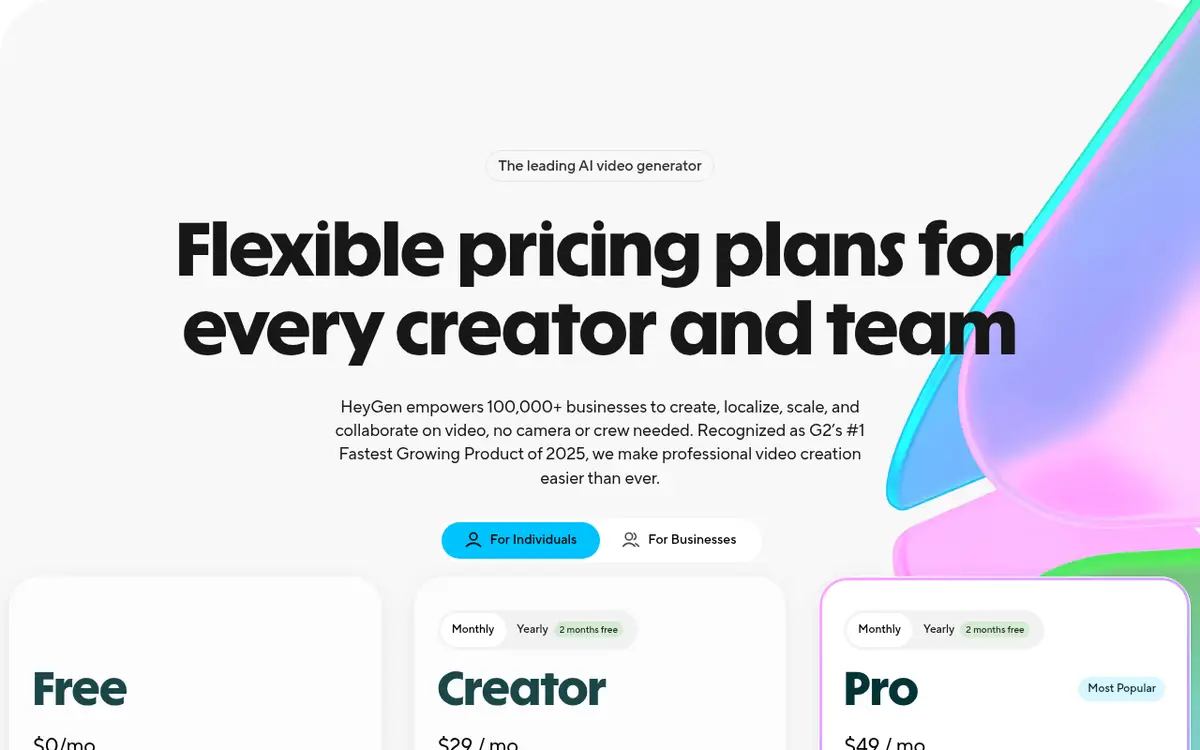
| Avatar video bundled | HeyGen or Synthesia voices |
Script tips for non-English TTS
- Keep sentences short; add line breaks where a breath should land.
- Spell numbers the way they should be spoken when the model misreads digits.
- Provide phonetic hints for brand names.
- Review in 15-second chunks before generating a full chapter.
Fix the script before you buy more credits.
Related: Voice tools, HeyGen.
Mic vs TTS
Your real voice builds trust, but daily high volume is exhausting. A hybrid works: record the hook yourself, generate the body with TTS. Focus on consent and quality rather than hiding that a voice is synthetic.
Tuning multilingual TTS
Avoid extreme stability values. Punctuation is pacing. Spell numbers the way they should be spoken when digit reading fails. Phonetic hints help with brand names.
When Murf wins
Training teams, compliance needs and API embedding. For experimental short-form clones, ElevenLabs is often snappier. Test both on the same 15-second script.
Voices inside video tools
HeyGen and Synthesia ship bundled voices. For avatar lip-sync, staying inside the platform usually means less friction than round-tripping external audio.
Publish checklist
- Voice not buried under music.
- First sentence lands in two seconds.
- Captions catch TTS mistakes.
- You are on a commercial plan if you monetize.
Keep a simple folder scheme for voices you reuse. Short-form channels move fast; searchable archives save hours later.
Match voice to format
Long-form YouTube likes a warmer, slower pace. Shorts need shorter sentences and quicker timing. Podcasts can keep light breaths so the voice still feels human. Do not paste one render into every format without retuning pauses.
Captions are almost mandatory. They rescue mispronunciations and keep silent autoplay viewers. Check that your font renders language-specific characters correctly.
Pick instrumental beds that do not fight vocal frequencies, from copyright-safe libraries. Preview on headphones and speakers before every publish. Loudness surprises are how good scripts die in the first second.
Fixing pronunciation before it reaches the listener
Brand names, abbreviations and loanwords are where non-English TTS trips most often. Write them the way they sound rather than the way they are spelled, at least in the script you feed the tool: spell out numbers, expand abbreviations, and split long compound words with a hyphen if the voice rushes them.
Both ElevenLabs and Murf let you regenerate a single sentence instead of the whole file, so fix problems line by line. Keep a small text file of the respellings that worked; by the third project it becomes your own pronunciation dictionary and saves you most of the retakes.
Pages mentioned in this guide
That's it for this one. More articles